
More ways to join SailorPath
Use email, Google or Telegram to get started with a SailorPath account.
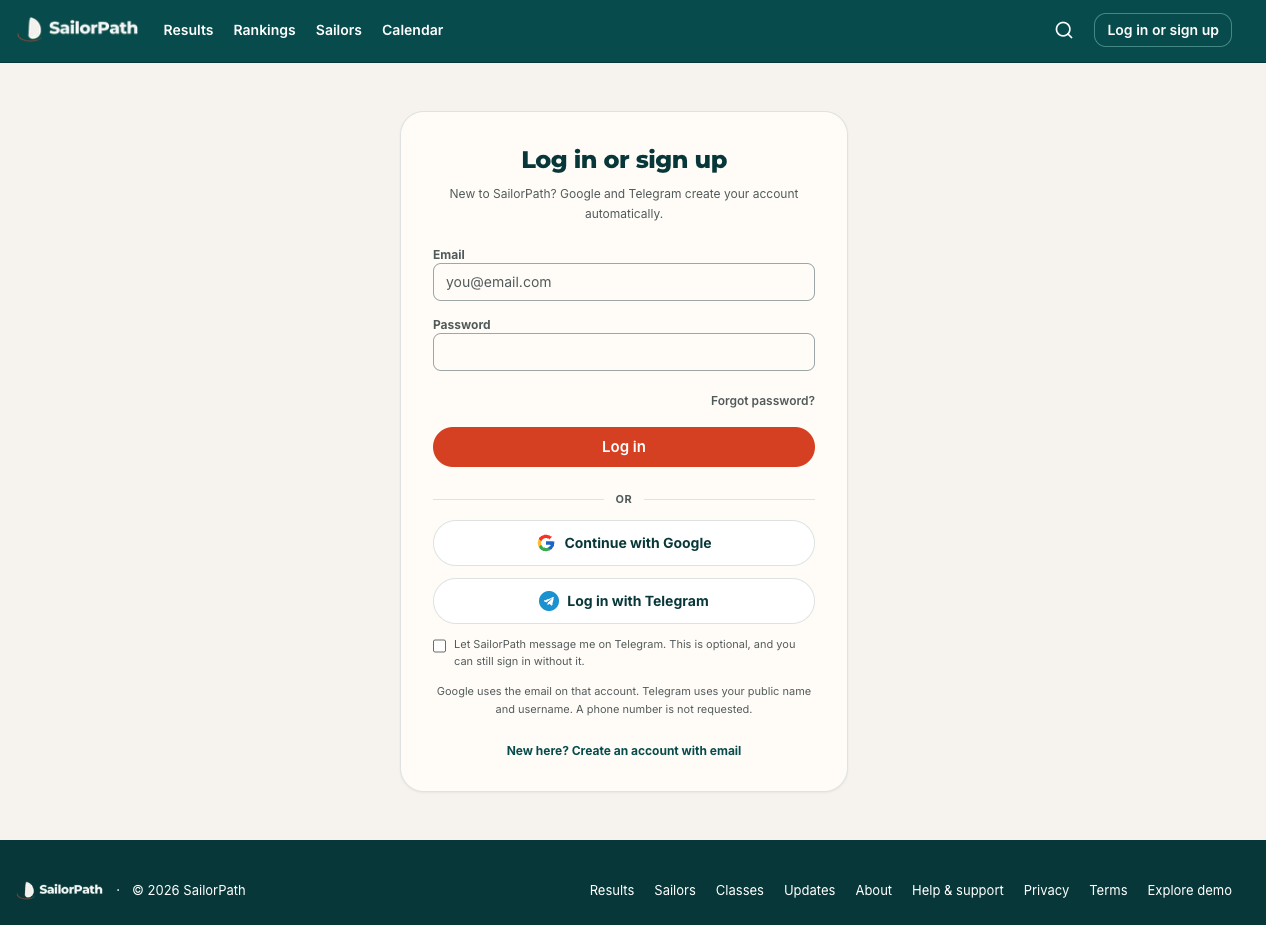
SailorPath brings login and account creation together on one page. You can use an email address and password, or choose Google or Telegram.
Choose how to sign in
Select Continue with Google or Log in with Telegram and follow the prompts from your chosen provider. New users can create an account through those options; an email registration option is also available on the page.
Google uses the email address on that account. Telegram uses your public name and username, and the sign-in page says a phone number is not requested.
Connect a sailor profile
After signing in, sailors and families can use the profile-claim process to request a connection to a sailor’s record. Access to a workspace follows the applicable review and approval process.
The option to receive SailorPath messages on Telegram is separate and optional. You can sign in without opting in to messages.